Do I need an account?
No. There’s nothing to sign up for. Open Ovenbird and start adding recipes.
What devices does it work on?
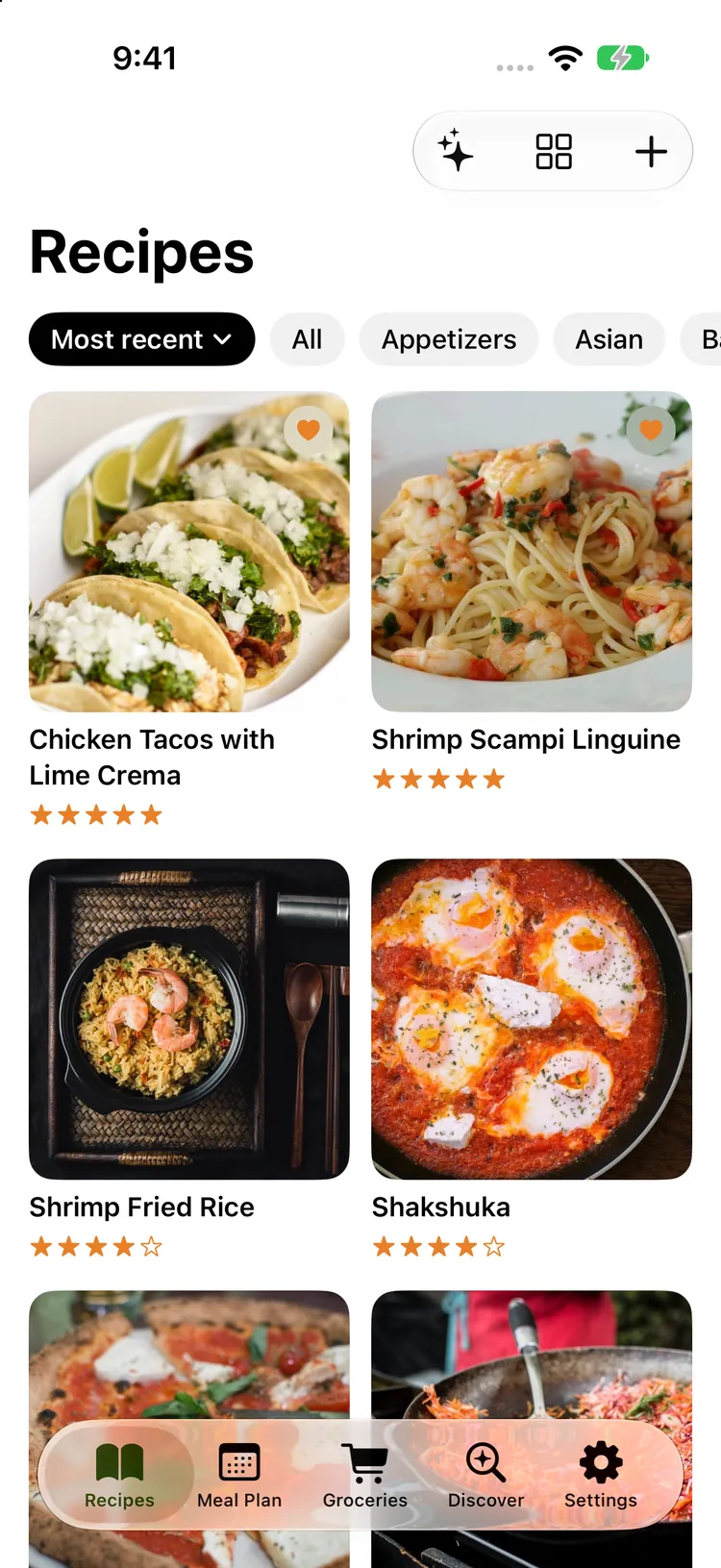
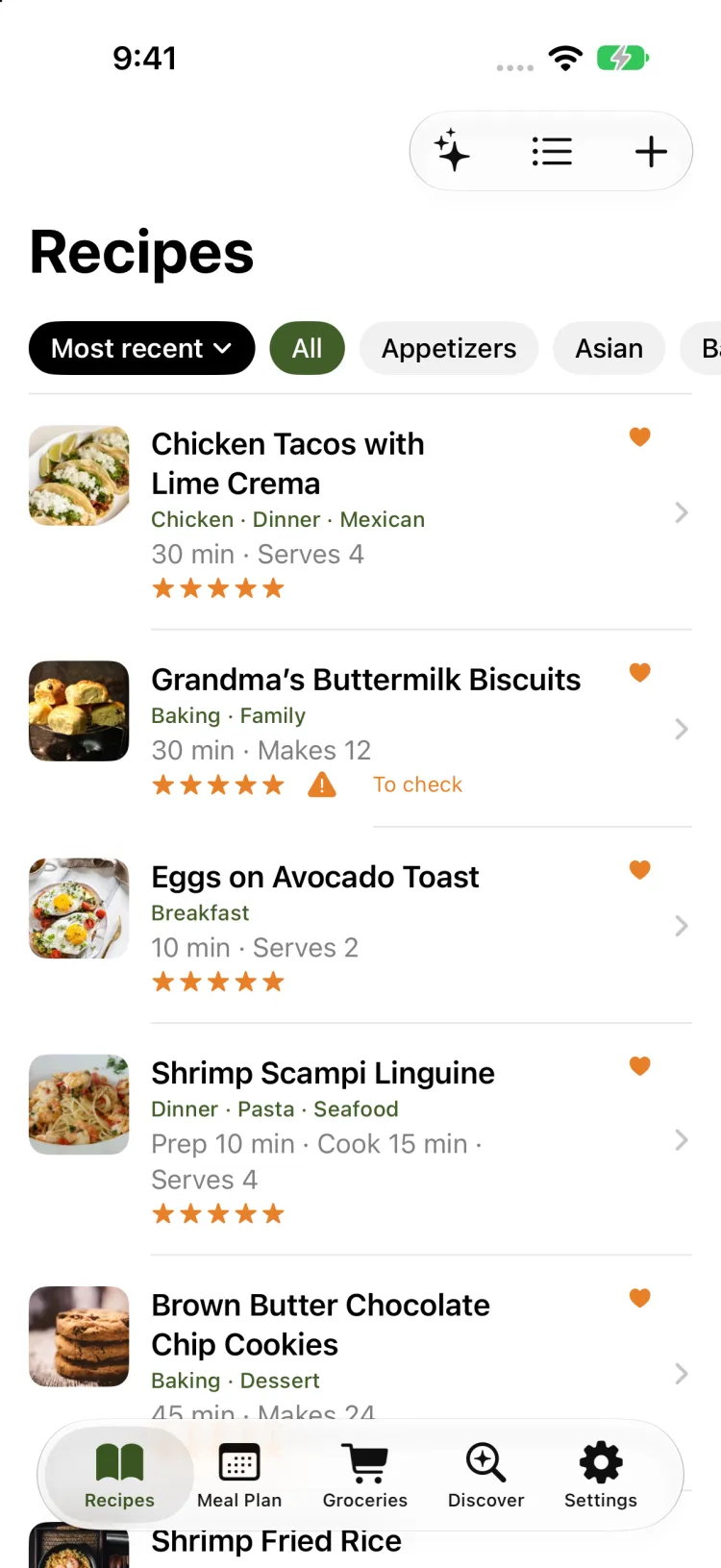
iPhone, iPad, iPhone Duo and Apple Watch:
- iPhone with iOS 26: iPhone 11 or later, and iPhone SE from the 2nd generation.
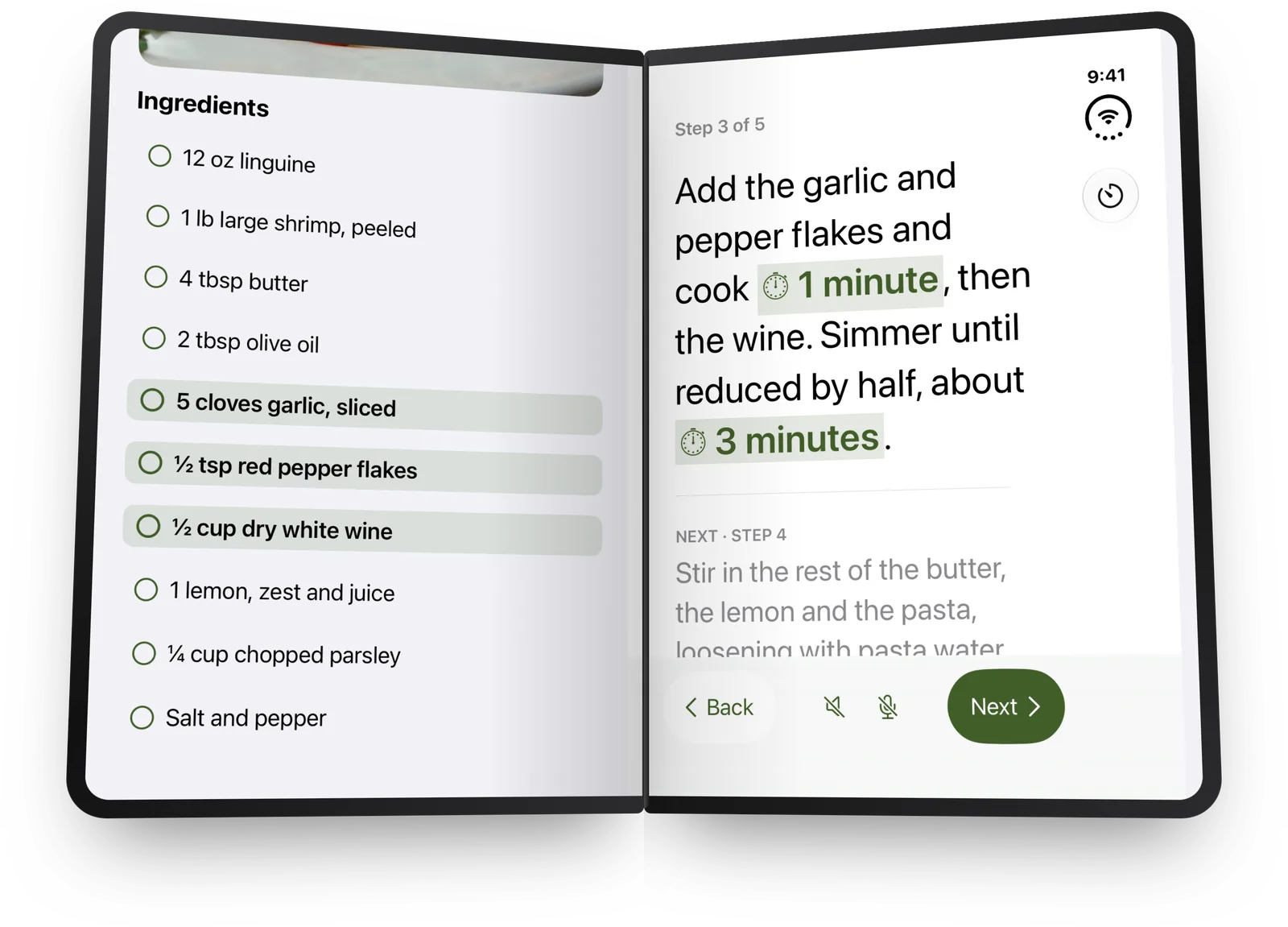
- iPhone Duo: closed, it works as an iPhone; opened out, it reads like a recipe book, two pages split on the fold.
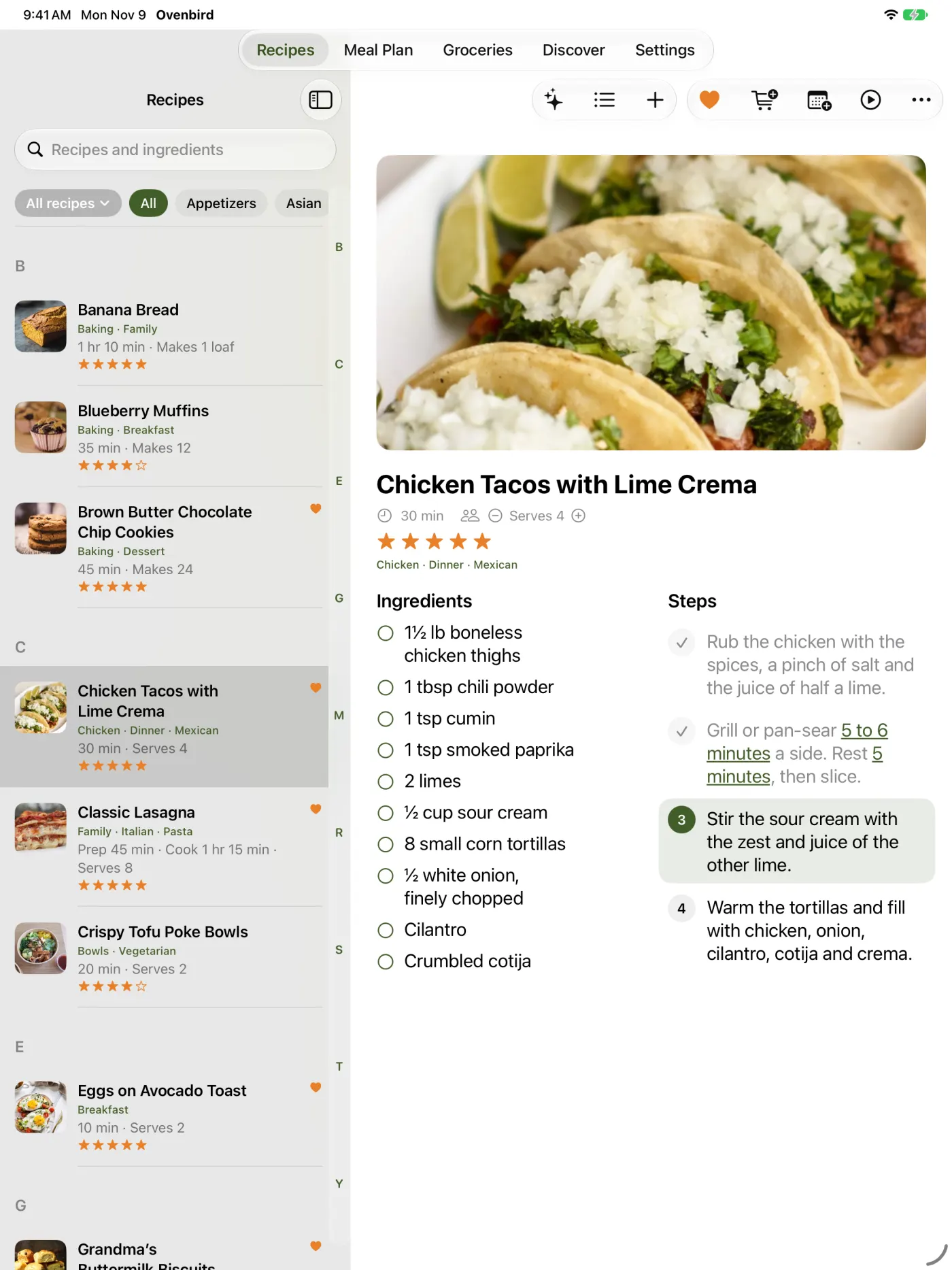
- iPad with iPadOS 26: iPad from the 8th generation, iPad mini 5, iPad Air 3, and every iPad Pro since 2018.
- Apple Watch with watchOS 26, paired with an iPhone: Series 6 or later, SE from the 2nd generation, and every Ultra.
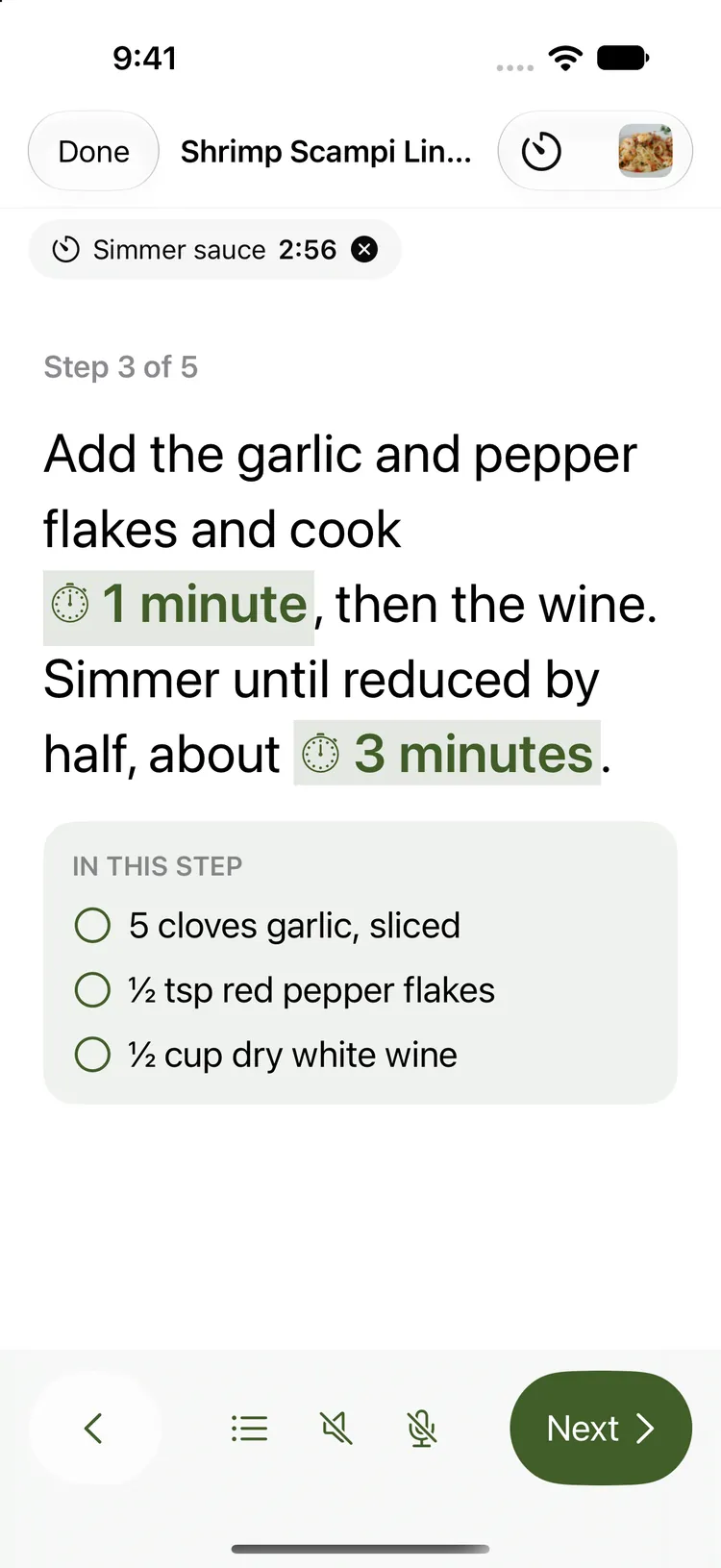
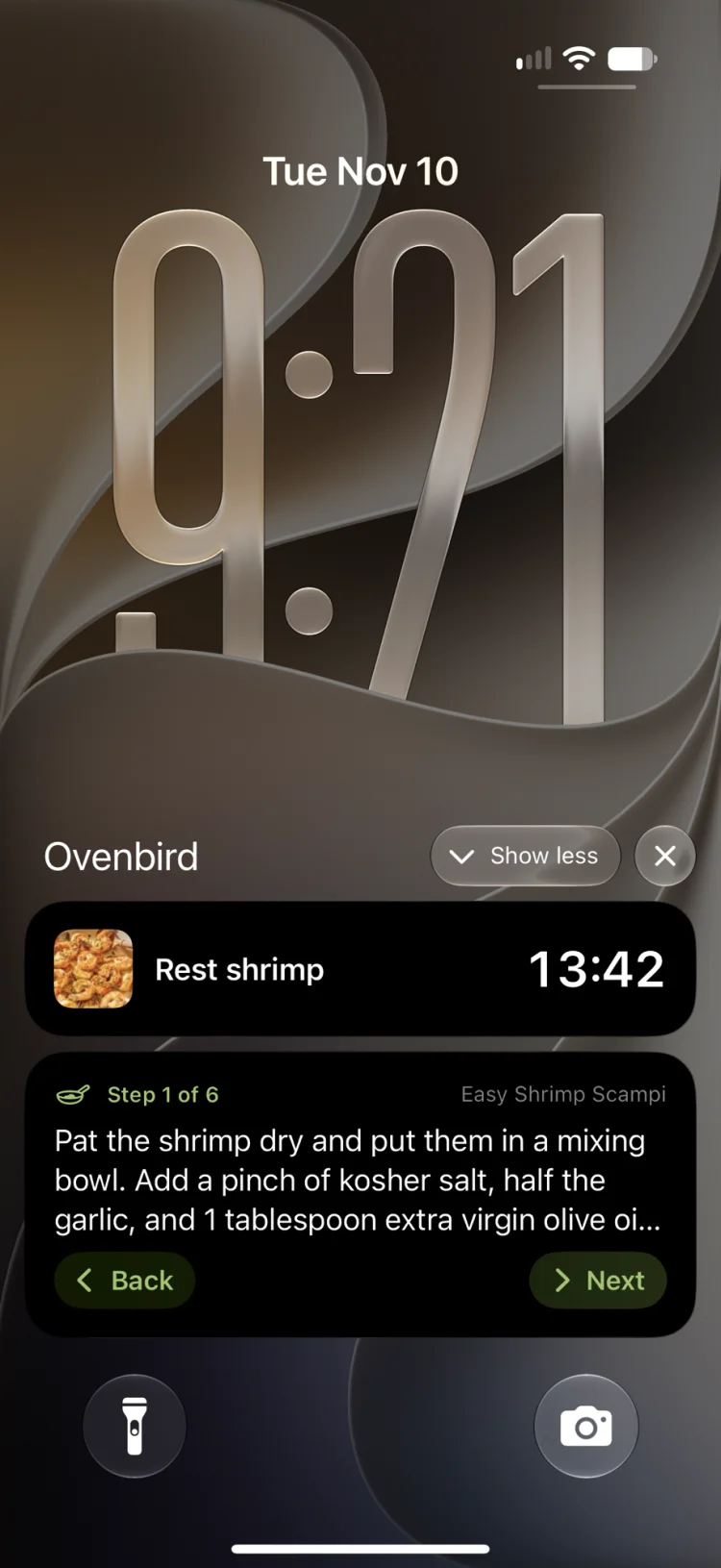
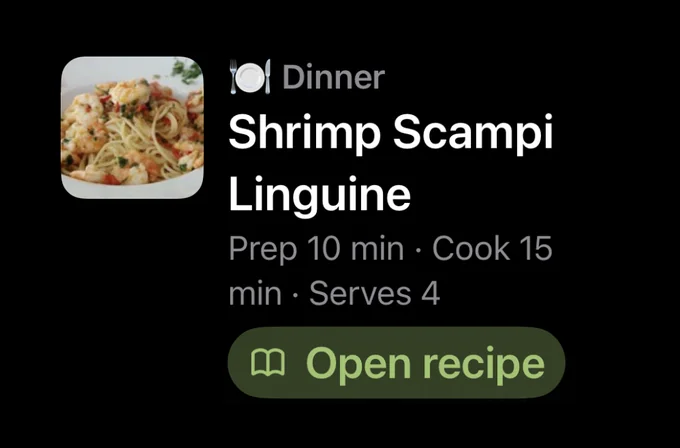
The Apple Intelligence touches need an iPhone 15 Pro or later, an iPad with M1 or later, or the iPad mini with A17 Pro, with Apple Intelligence turned on in Settings. Everything else works on every supported device. Cook mode’s steps and timers show on the Lock Screen of every iPhone, and in the Dynamic Island on iPhones that have one.
Is there an Android, Windows or web version?
No, and none is planned. Ovenbird is built for Apple devices and leans on what they do well: Apple Intelligence on your device, iCloud sync and sharing, Siri, widgets and Apple Watch. A Mac version may come later.
Can I save recipes from Instagram, TikTok or YouTube?
Yes. Share the post to Ovenbird, or paste its link. Ovenbird reads the recipe from the caption or description, or from the creator’s site when the caption links to it, and uses the post’s cover as the photo. Many posts keep the method in the video, so you get the ingredients and the post is kept as the recipe’s source, a tap away. Ovenbird never makes up steps the post doesn’t have. Private posts can’t be read.
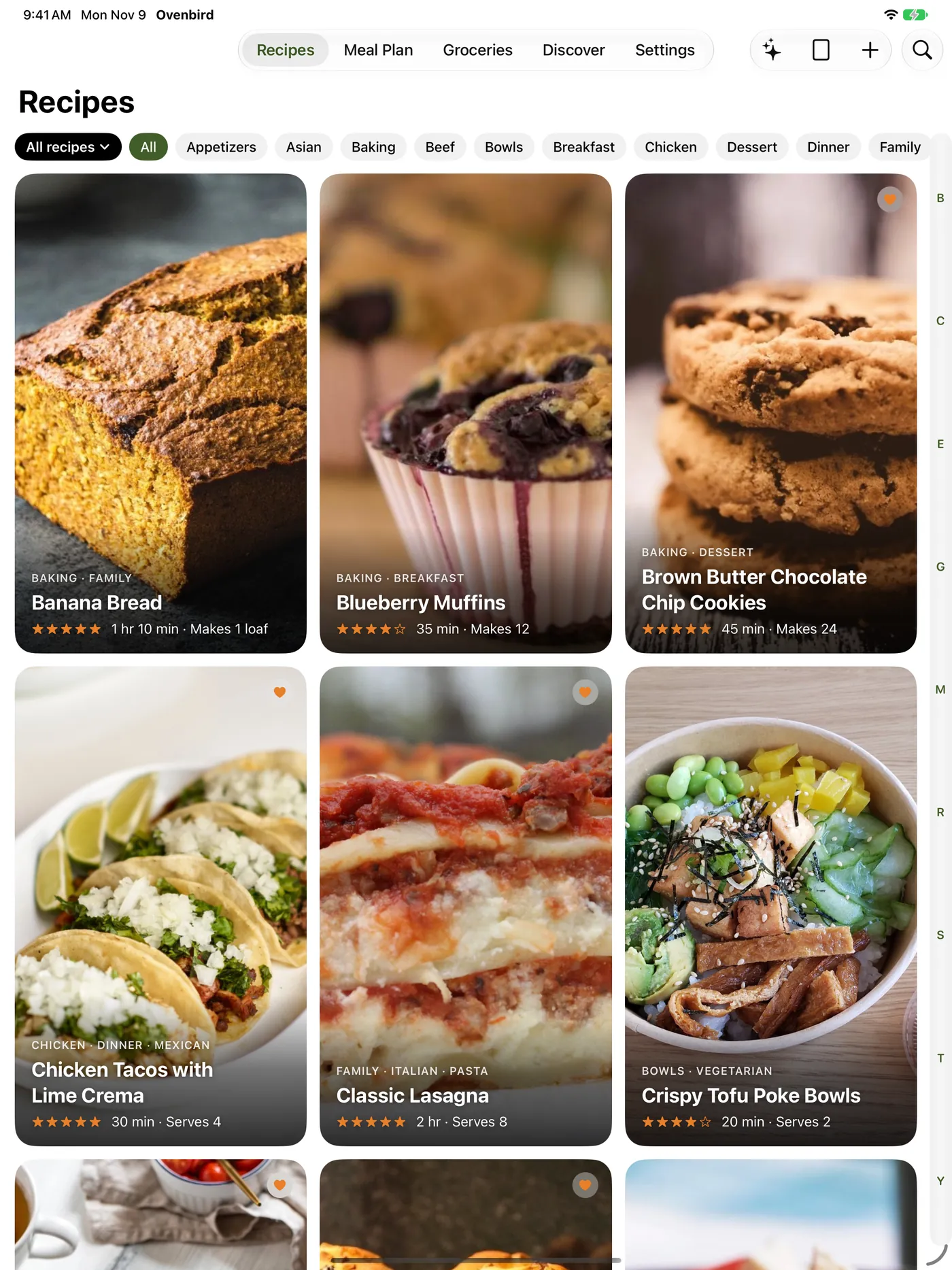
Does Ovenbird work on iPad?
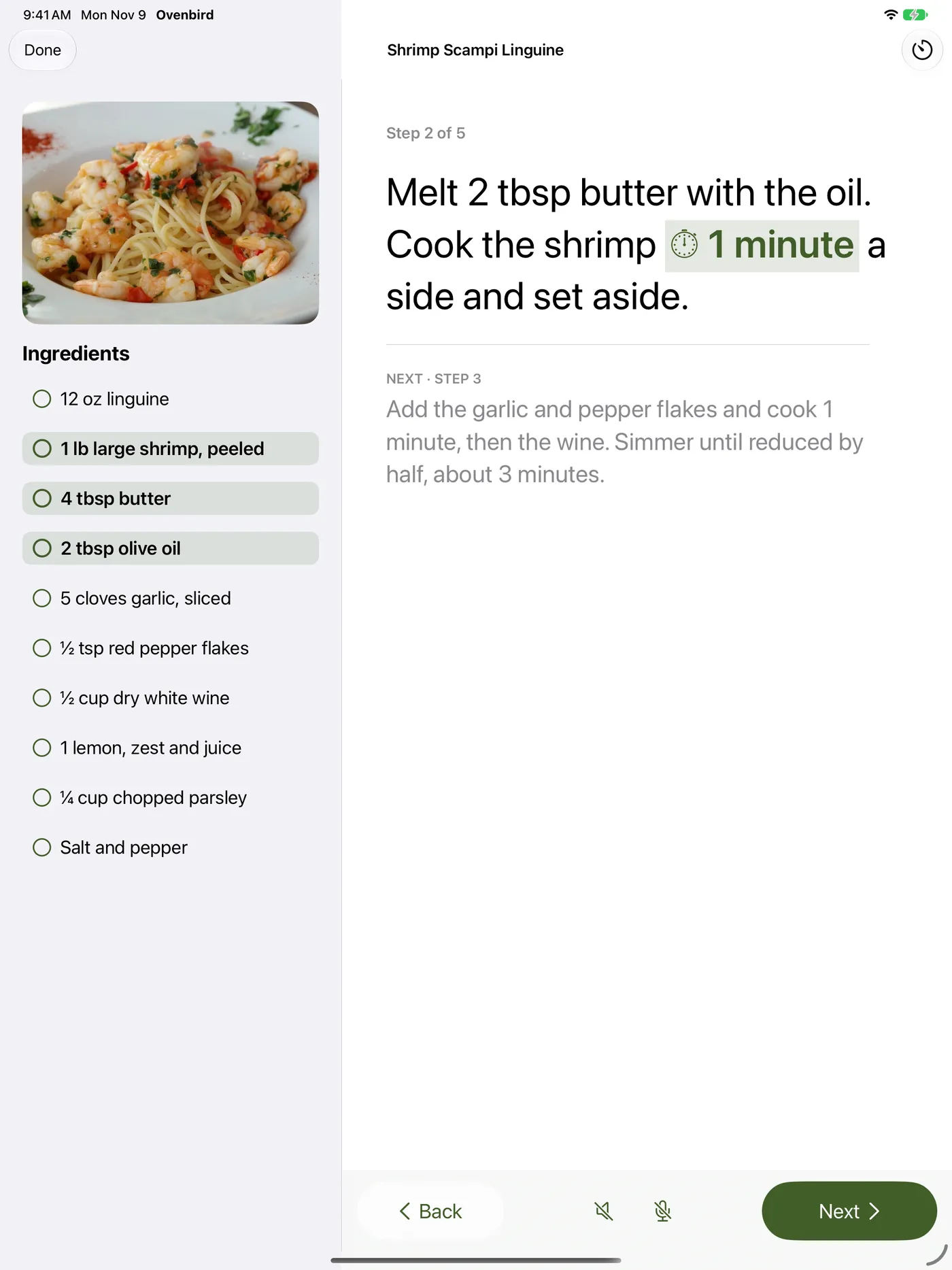
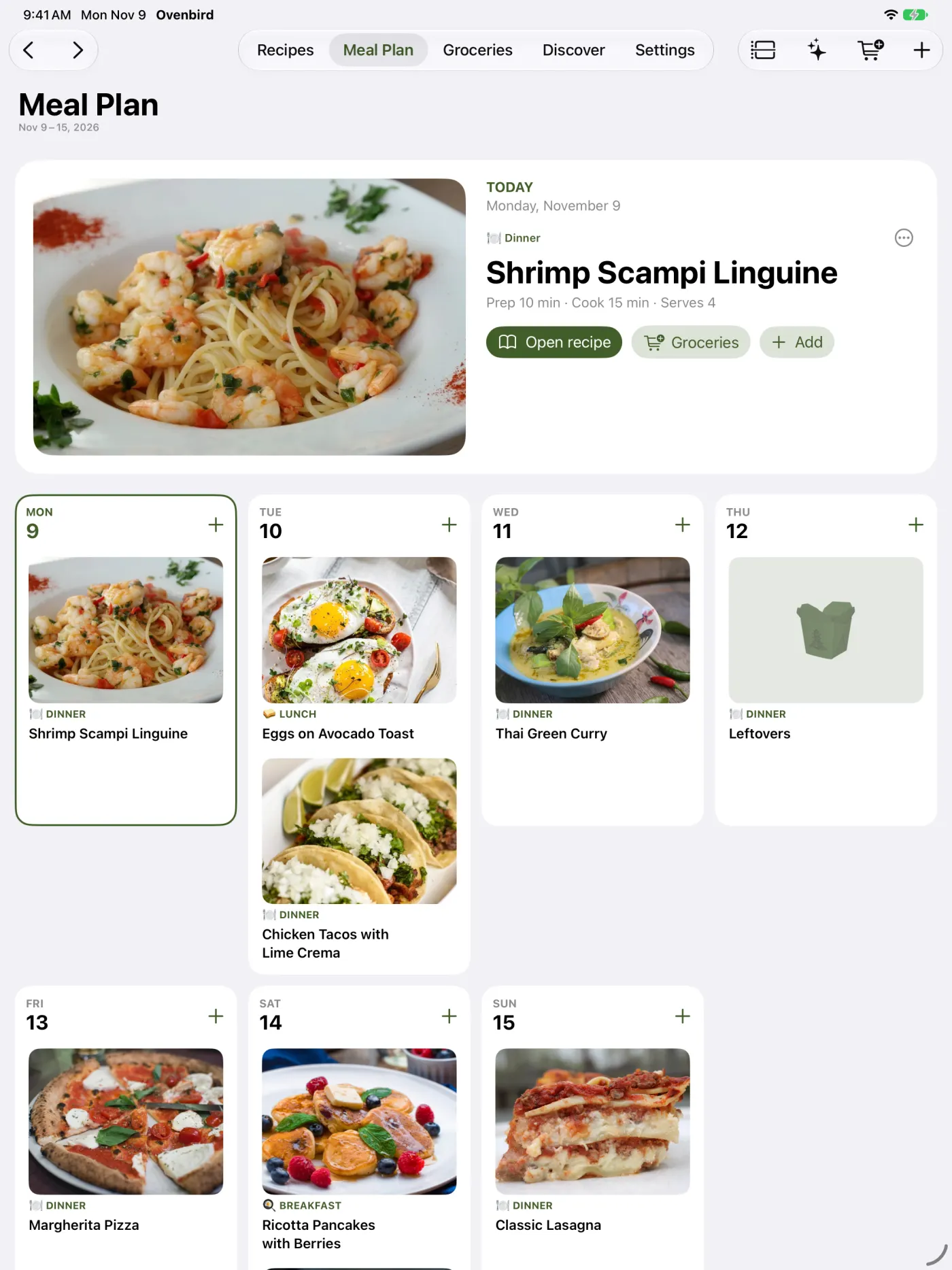
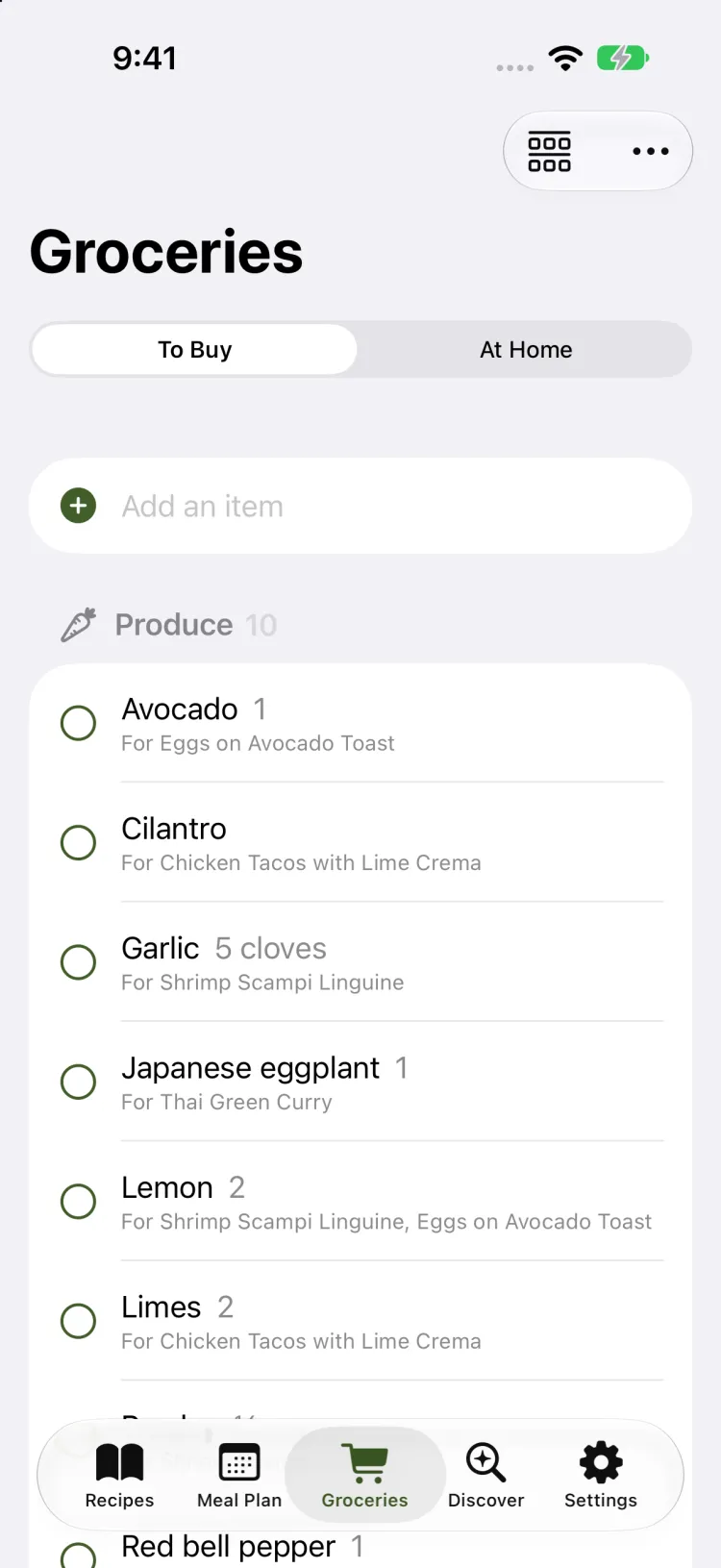
Yes. Ovenbird is made for iPhone and iPad, with a layout for each. On iPad your recipe list sits beside the recipe you’re cooking, and with Ovenbird Pro the same recipes, Meal Plan and Groceries are on both through iCloud.
Does Ovenbird work on Apple Watch?
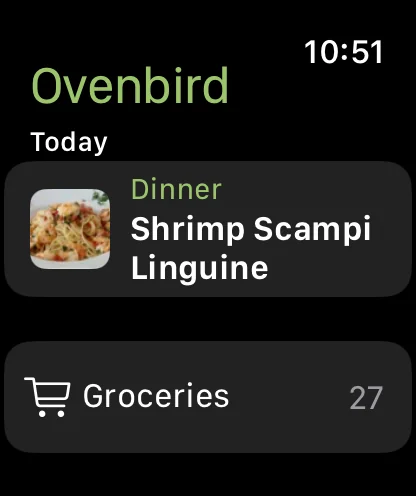
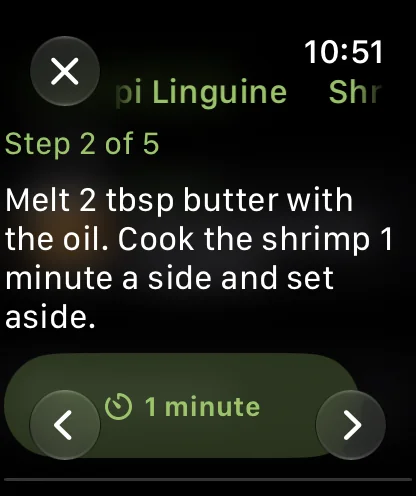
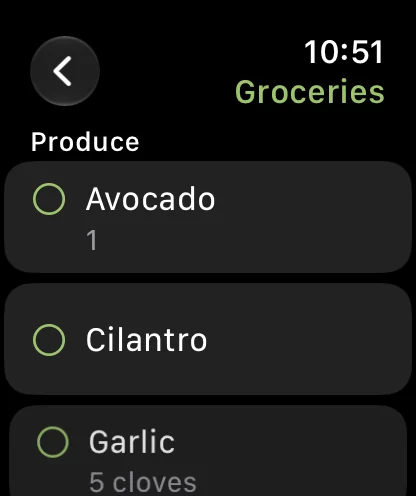
Yes. With the iPhone app, Ovenbird on Apple Watch shows the step you’re on while you cook (Back and Next move your iPhone too), can cook today’s recipe on its own, shows today’s meals and the grocery list to tick off, and answers “What’s for dinner in Ovenbird?” with Siri.
Can I cook without touching the screen?
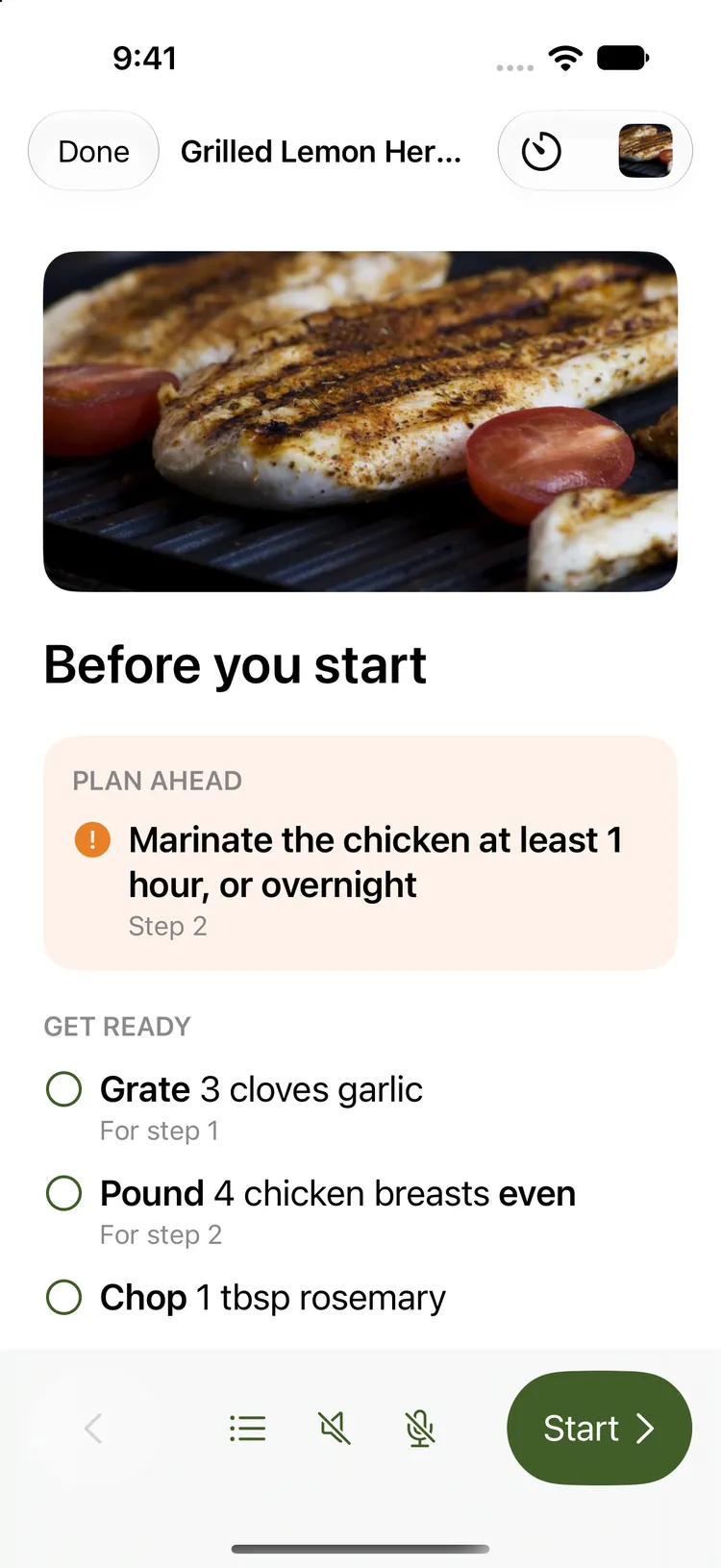
Yes. In cook mode, tap the microphone and say “next”, “back”, “step 3”, “ingredients” or “set a timer for 5 minutes”. Speech is recognized on your device; nothing is recorded or sent. Steps can be read aloud too, in the most natural voice installed on your device.
Is it a subscription?
No. Ovenbird is free for up to 50 of your own recipes, synced between your own iPhone and iPad, and Discover’s hundreds of dishes are free to browse and plan from. Ovenbird Pro is a single in-app purchase that unlocks unlimited recipes and sharing with your household. Family Sharing and future updates are included.
Can I import my recipes from other apps?
Yes. Export from Paprika or Mela and open the file in Ovenbird. Photos, categories, ratings, favorites and notes come along. Spreadsheets (CSV) work too, with a step to match your columns.
Can I save a recipe from Notes, an email or a PDF?
Yes. Copy it and choose + → Paste a recipe, or share the note or email to Ovenbird. A recipe written out with its ingredients and steps comes in as written; one written as a paragraph is sorted by Apple Intelligence. A PDF, a photo or a text file opens with + → From a file, or share it to Ovenbird from Files or Photos: scanned pages and photos are read like a scan. You check the recipe before it’s saved, and anything Ovenbird isn’t sure of is marked.
Can it read a handwritten recipe card?
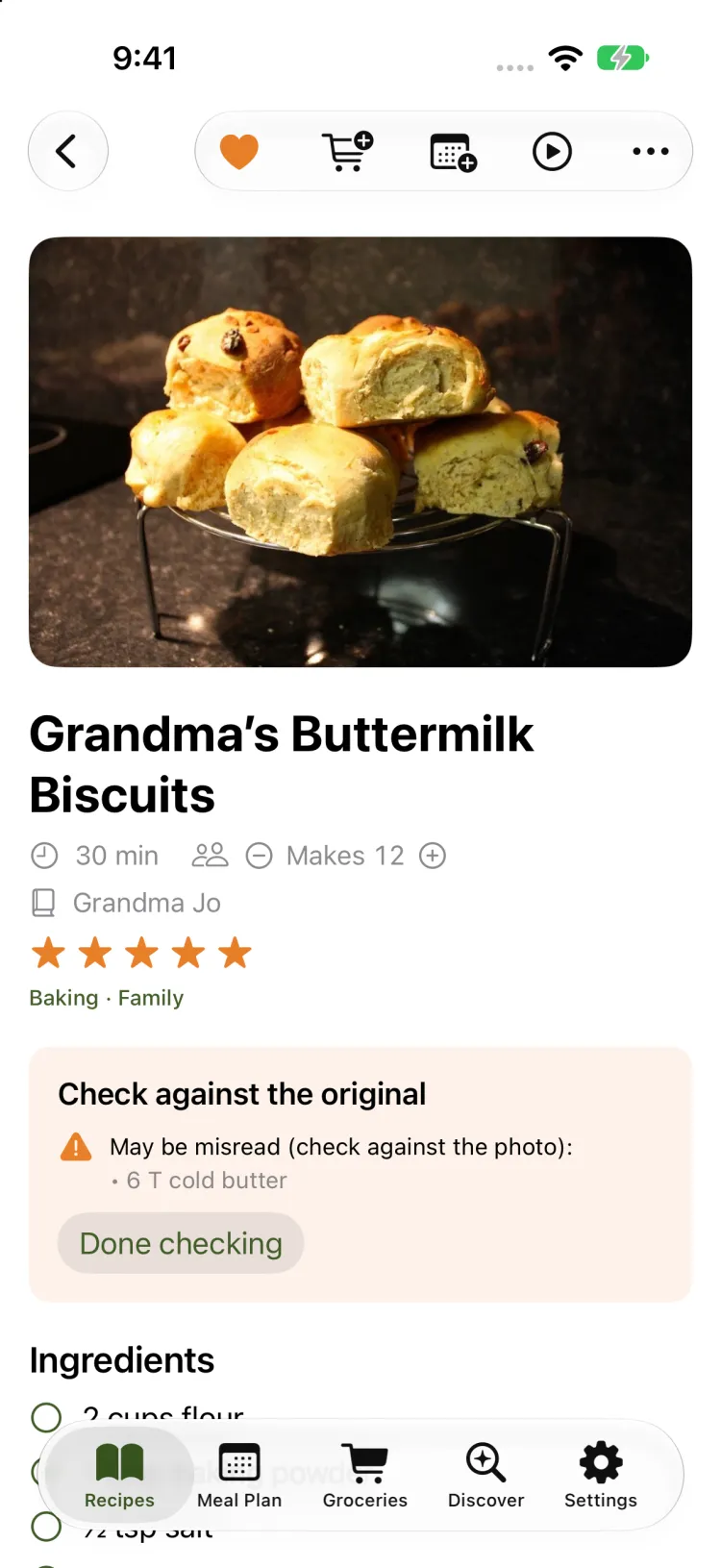
Yes. Scan a card or a cookbook page with the camera. Ovenbird reads it on your device and points out any line it couldn’t make out, so you can check it against the photo.
Where are my recipes stored?
On your devices, and in your own iCloud if you sync. Ovenbird has no server of its own, no analytics and no ads, and sends nothing to us.
What does Apple Intelligence do in Ovenbird?
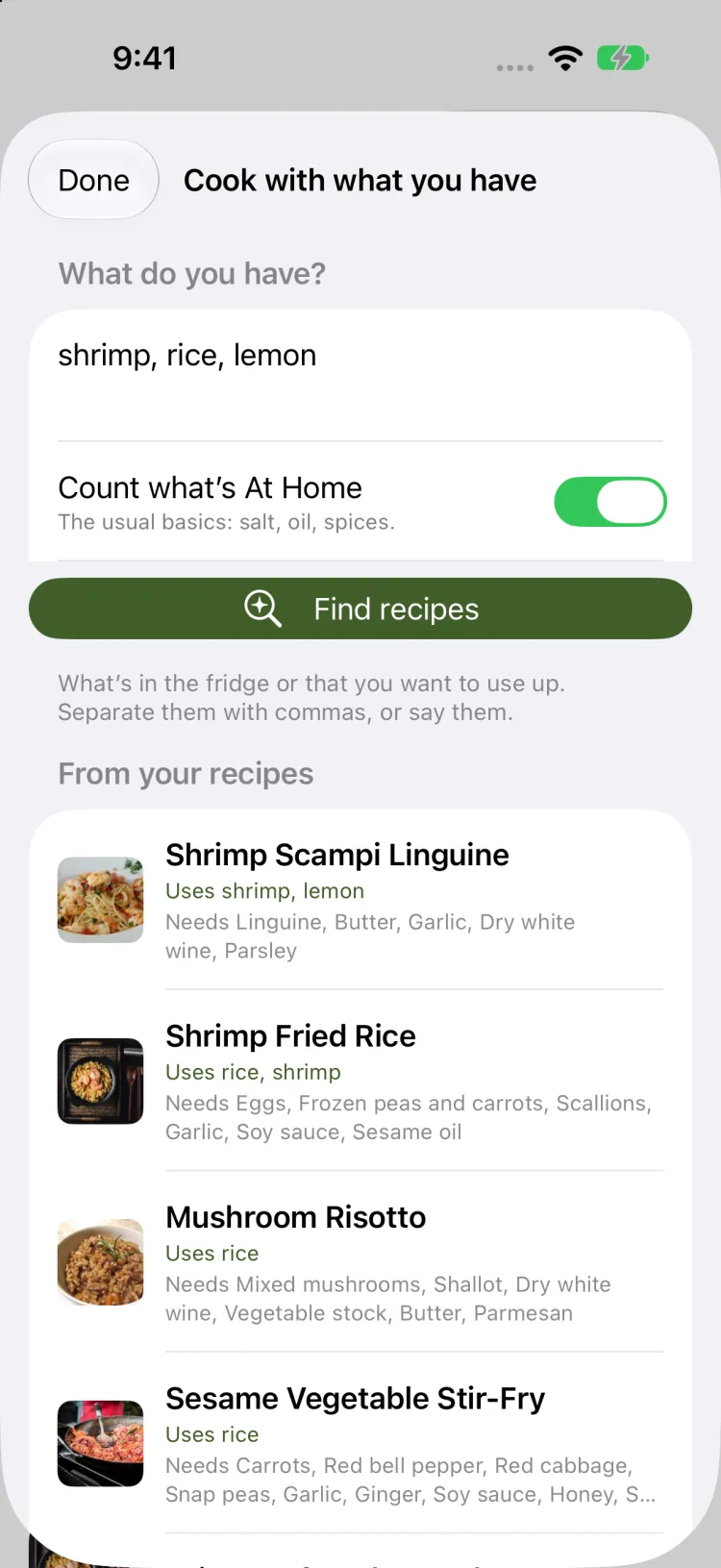
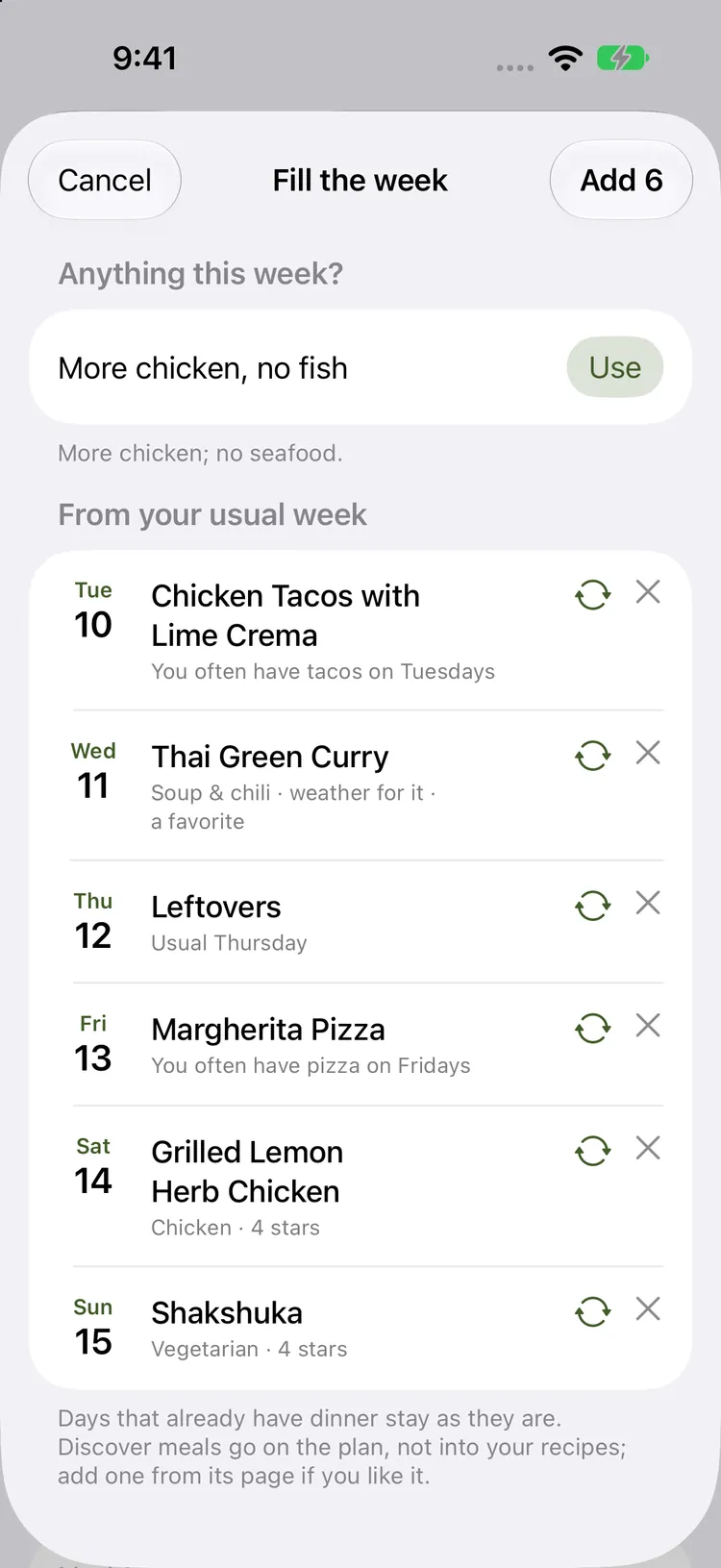
On supported iPhones and iPads it reads scanned cards and pages into ingredients and steps, writes a new recipe from what’s in your fridge, understands requests like “more chicken, no fish” when filling the week, sorts unfamiliar grocery items into store sections, names timers for what they time, picks a picture for dishes without a photo, and says why each dish Discover picks for you is like one of yours. It all runs on your device.
Can my family share recipes and the grocery list?
Yes, with Ovenbird Pro. Invite up to 5 people you live with to share recipes, the Meal Plan and Groceries. The people you invite don’t pay.
Can I send a recipe to someone who doesn’t use Ovenbird?
Yes. Open the recipe and tap ••• → Send recipe. Mail gets a recipe card with the photo, ingredients and steps, and credit to the site it came from; Messages gets the recipe and its photo; you can print it or save a PDF too. If they have Ovenbird, the small file that comes with it adds the recipe to their library.
 Ovenbird